ultraPacer in real-time with Garmin Virtual Partner™
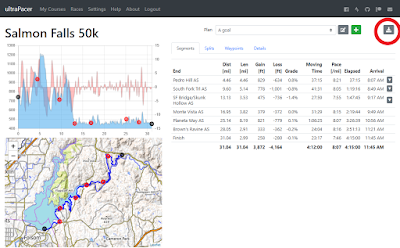
Here are steps to use your ultraPacer plan on your Garmin watch during a race. I'll add some more detail to this later, but want to get it out there. 1. For the activity settings on your watch, you need to have the Virtual Partner data screen. Add this to your activity settings if necessary. 2. While viewing your plan, click the download button: 3. Download the .gpx file (you have trouble with the file size of the original resolution file, you can try the low resolution one). 4. Plug in your watch to your PC and copy the .gpx file into the NewFiles folder. 5. When you are starting your race/adventure, go to Navigation and select the course under Courses. 6. Go! You'll see the time ahead/behind your pace plan in real time. But don't forget to watch the trail too! Caveats: The estimated race time/ETA/ETC fields are based on remaining distance and current pace only, not the time data in the .gpx file (your pace plan). The ahead/behind time is the only field tha...